

Install the Flutter SDK
Add the package
Section titled “Add the package”Add these lines to your app’s pubspec.yaml, under dependencies:
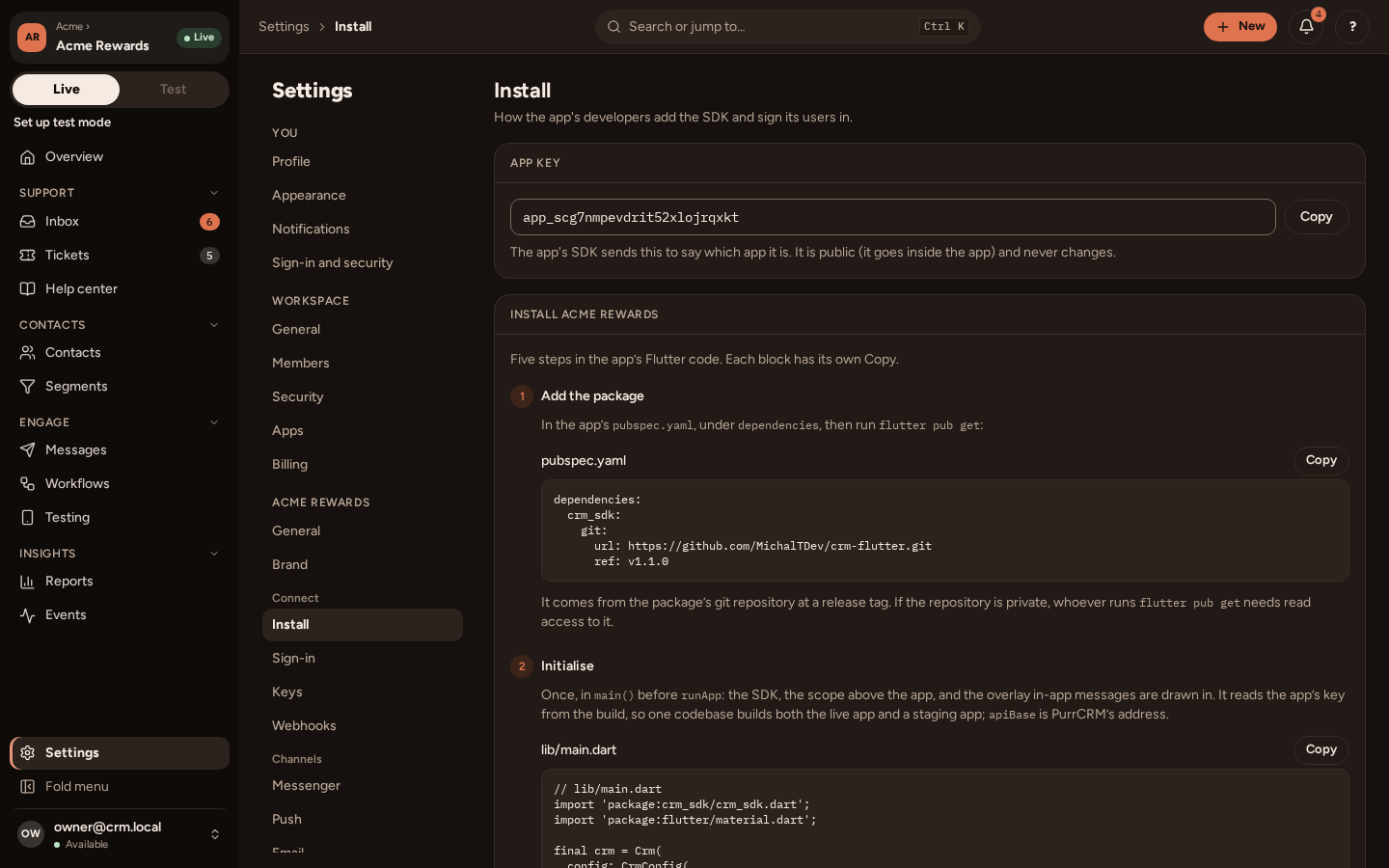
dependencies: crm_sdk: git: url: https://github.com/MichalTDev/crm-flutter.git ref: v1.1.0Then run:
flutter pub getThere is nothing to generate: the package’s strings are built in.
Settings › Connect › Install shows the same lines, and the next steps with your app’s key and address filled in.
Versions
Section titled “Versions”ref is a release tag. The package’s CHANGELOG.md lists the releases, and each one says the oldest PurrCRM it needs. To move to a newer release, change ref and run:
flutter pub upgrade crm_sdkAgainst an older PurrCRM, the package goes without what that version does not have, and the rest works as before. An older package against a newer PurrCRM ignores what it does not know.
Every request says which version of the package sent it. Your team can set the oldest version they want people on (Settings › your app › General › Advanced); your app reads it as crm.publicApp.value?.minSdkVersion to suggest an update. PurrCRM refuses no version for it.
Requirements
Section titled “Requirements”- Flutter 3.47.5 or later, Dart 3.13.4 or later.
- go_router 16 or 17, only if you route with it.
- The package brings no Firebase, analytics or crash reporter of its own.