

Webhooks
A webhook endpoint is an address on your servers that PurrCRM posts to when something happens, such as a new contact or a reply.
Add an endpoint
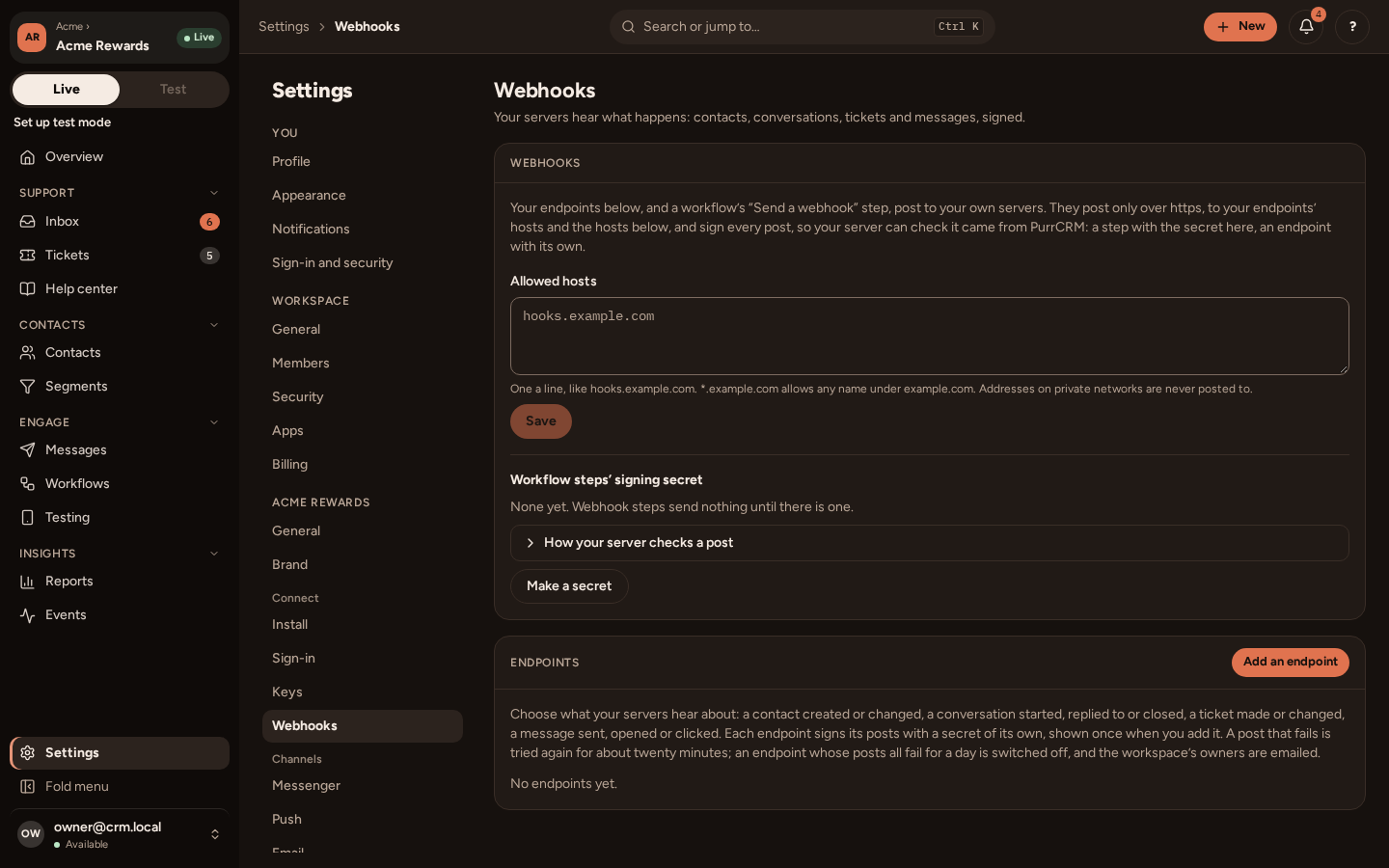
Section titled “Add an endpoint”On Settings › Connect › Webhooks, under Endpoints, add an https address and tick the topics it should get. An app can have up to 20 endpoints. Each has its own secret (whsec_…), shown once when you add it; you can make a new one later, and the old one stops at once.
| Topic | When |
|---|---|
contact.created, contact.updated | Identify made or changed a contact, or an import did. |
contact.unsubscribed | Someone unsubscribed. |
conversation.started, conversation.replied, conversation.closed, conversation.rated | Something happened in a conversation. |
ticket.created, ticket.changed | A ticket was opened or moved on. |
message.sent, message.opened, message.clicked | A message reached someone, was opened, or a link in it tapped. |
email.bounced | An email bounced. |
survey.completed | Someone finished a survey. |
goal.reached | Someone reached a message’s goal. |
Press Send test to post a ping at once. The endpoint’s log keeps its last 50 tries: status, response code and how long it took (never the body).
What a post looks like
Section titled “What a post looks like”POST /crm-webhooks HTTP/1.1Content-Type: application/jsonX-CRM-Delivery: 3f1c9e4a-...X-CRM-Signature: t=1760779800,v1=5d41402abc4b2a76b9719d911017c592...
{ "id": "evt_...", "type": "conversation.replied", "created_at": "2026-10-18T09:30:00Z", "app_id": "...", "data": { "conversation_id": "..." }, "contact": { "id": "...", "external_id": "user-123" }}data holds the event’s own details: the ids of the message, conversation or ticket, a link that was tapped, a rating. contact has the person’s ids, and for contact.* topics also display_name, email and language. Nothing else about them, and no secret.
X-CRM-Delivery is the same on every try of one post: use it to handle each once.
Check the signature
Section titled “Check the signature”X-CRM-Signature is t=<unix seconds>,v1=<hex HMAC-SHA256>, the HMAC of <t>.<raw body> under the endpoint’s secret. Work it out again from the raw body, compare in constant time, and refuse a post more than five minutes old.
Each example is a small server that takes posts at /crm-webhooks on port 3000, reading the endpoint’s secret from an environment variable of your own, CRM_WEBHOOK_SECRET.
// npm install expressimport crypto from "node:crypto";import express from "express";
export function genuine(rawBody, header, secret) {  const parts = Object.fromEntries(header.split(",").map((p) => p.split("=")));  const t = Number(parts.t);  if (!t || Math.abs(Date.now() / 1000 - t) > 300) return false;  const want = crypto.createHmac("sha256", secret).update(`${t}.`).update(rawBody).digest("hex");  const got = Buffer.from(parts.v1 ?? "", "hex");  return got.length === 32 && crypto.timingSafeEqual(got, Buffer.from(want, "hex"));}
const app = express();
// Read the raw body: the signature is of the bytes as sent.app.post("/crm-webhooks", express.raw({ type: "application/json" }), (req, res) => {  if (!genuine(req.body, req.get("X-CRM-Signature") ?? "", process.env.CRM_WEBHOOK_SECRET)) {    return res.sendStatus(401);  }  const event = JSON.parse(req.body);  console.log(req.get("X-CRM-Delivery"), event.type);  res.sendStatus(204);});
app.listen(3000);# Standard library only.import hashlibimport hmacimport jsonimport osimport timefrom http.server import BaseHTTPRequestHandler, HTTPServer
SECRET = os.environ["CRM_WEBHOOK_SECRET"]
def genuine(raw_body: bytes, header: str, secret: str) -> bool: parts = dict(p.split("=", 1) for p in header.split(",") if "=" in p) try: t = int(parts.get("t", "0")) except ValueError: return False if abs(time.time() - t) > 300: return False want = hmac.new(secret.encode(), f"{t}.".encode() + raw_body, hashlib.sha256).hexdigest() return hmac.compare_digest(want, parts.get("v1", ""))
class Webhooks(BaseHTTPRequestHandler): def do_POST(self): raw = self.rfile.read(int(self.headers.get("Content-Length", 0))) if self.path != "/crm-webhooks" or not genuine(raw, self.headers.get("X-CRM-Signature", ""), SECRET): self.send_response(401) else: event = json.loads(raw) print(self.headers.get("X-CRM-Delivery"), event["type"]) self.send_response(204) self.end_headers()
HTTPServer(("", 3000), Webhooks).serve_forever()package main
import ( "crypto/hmac" "crypto/sha256" "encoding/hex" "encoding/json" "fmt" "io" "log" "net/http" "os" "strconv" "strings" "time")
func genuine(raw []byte, header, secret string) bool { var t int64 var v1 string for _, p := range strings.Split(header, ",") { k, v, _ := strings.Cut(p, "=") switch k { case "t": t, _ = strconv.ParseInt(v, 10, 64) case "v1": v1 = v } } if d := time.Since(time.Unix(t, 0)); t == 0 || d > 5*time.Minute || d < -5*time.Minute { return false } mac := hmac.New(sha256.New, []byte(secret)) fmt.Fprintf(mac, "%d.", t) mac.Write(raw) got, err := hex.DecodeString(v1) return err == nil && hmac.Equal(got, mac.Sum(nil))}
func main() { secret := os.Getenv("CRM_WEBHOOK_SECRET") http.HandleFunc("POST /crm-webhooks", func(w http.ResponseWriter, r *http.Request) { raw, err := io.ReadAll(io.LimitReader(r.Body, 1<<20)) if err != nil || !genuine(raw, r.Header.Get("X-CRM-Signature"), secret) { w.WriteHeader(http.StatusUnauthorized) return } var event struct { Type string `json:"type"` } _ = json.Unmarshal(raw, &event) log.Println(r.Header.Get("X-CRM-Delivery"), event.Type) w.WriteHeader(http.StatusNoContent) }) log.Fatal(http.ListenAndServe(":3000", nil))}Answering
Section titled “Answering”Answer with any 2xx within 10 seconds, and do slow work afterwards.
- A post that fails is tried 10 times, with growing waits, over about twenty minutes.
- A
4xxother than408,425and429, or a redirect, is not tried again. - An endpoint whose posts have all failed for 24 hours (at least 5 of them) is switched off, and the workspace’s owners are emailed. One delivered post resets the count; switching it on again starts afresh.
Posts go only to public https addresses, and never follow a redirect.
Webhook steps in workflows
Section titled “Webhook steps in workflows”A workflow can also post to your servers as a step. Those posts are signed the same way, with the app’s own webhook secret, shown under How your server checks a post on the same tab.
Email replies and bounces
Section titled “Email replies and bounces”The other way round, your mail provider posts to PurrCRM: a person’s reply to an email, and bounces and complaints. Settings › Channels › Email shows the two addresses and the app’s inbound secret. Whatever turns your provider’s post into PurrCRM‘s shape signs it the same way, in X-CRM-Signature.
A reply (POST /public/v1/apps/{key}/inbound-email):
{ "id": "<the provider's message id>", "to": ["reply+...@replies.northwind.example"], "from": "ada@example.com", "subject": "Re: Your order", "text": "Thanks, that worked!", "received_at": "2026-10-18T09:30:00Z"}A bounce, complaint or delivery (POST /public/v1/apps/{key}/email-events):
{ "id": "<the provider's event id>", "kind": "bounce", "message_id": "<the Message-ID of the email>", "address": "ada@example.com", "hard": true, "occurred_at": "2026-10-18T09:30:00Z"}kind is bounce, complaint or delivered. A hard bounce or a complaint puts the address on the app’s suppression list. The reference has every field.